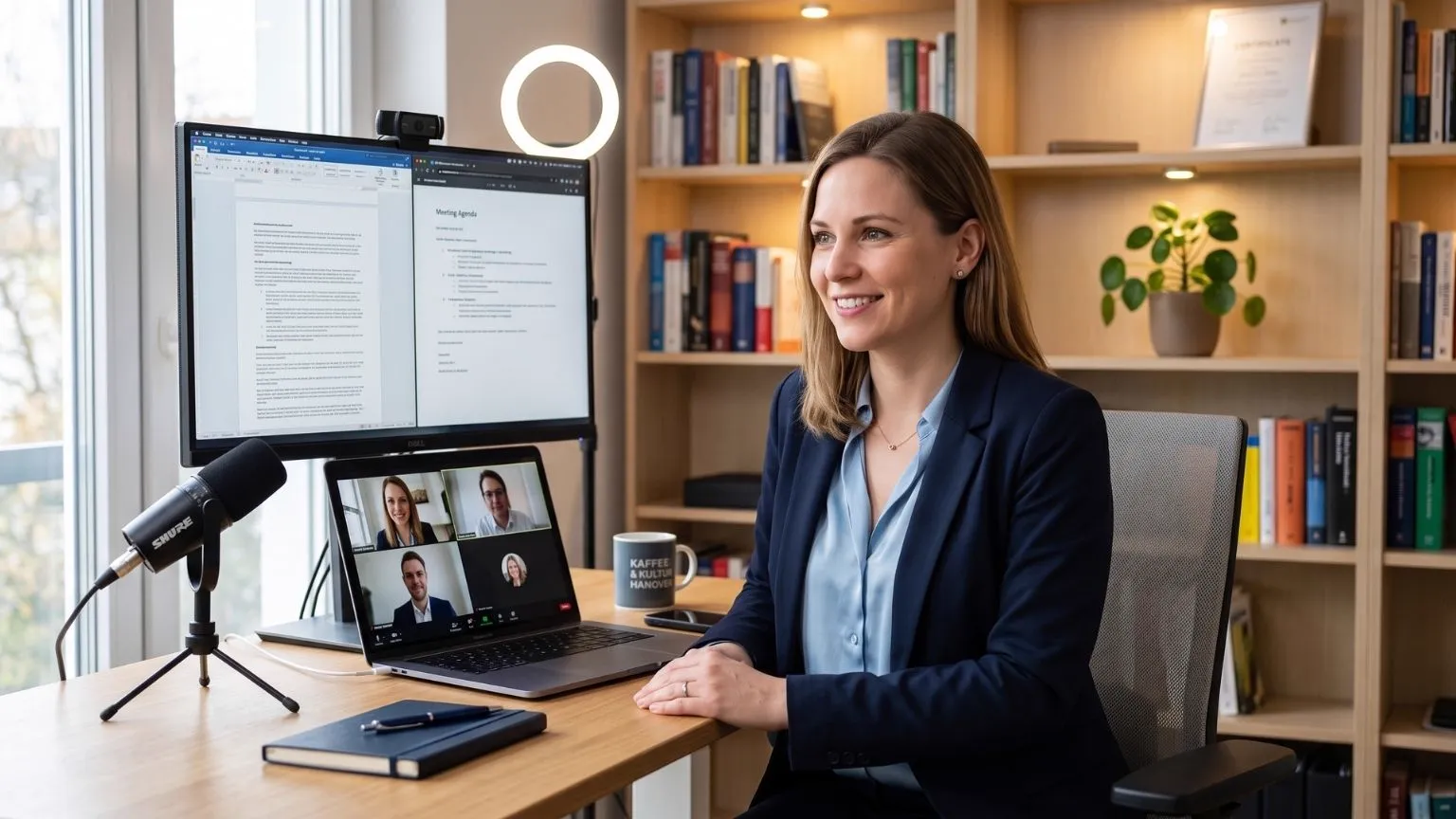
A video interview feels like an ordinary interview, only more convenient: no train, no unfamiliar reception desk, no waiting area. That is exactly where it catches people out. The format saves you the journey, takes away half the room you normally fill, and adds a source of failure that does not exist on site.
This article covers the setup, presence on camera, and the two formats that feel different from talking to people: the recorded one-way interview and automated pre-screening. Content preparation stays the same, and that is in the interview preparation guide.
Video is its own format, not an interview with a webcam
On site the room carries you: you shake hands, walk down a corridor, and your whole upper body plays along. On video that shrinks to a rectangle from the shoulders up, and everything you normally produce as a side effect has to fit inside it.
Two things change. First the rhythm, because a small delay sits between the end of your sentence and the reaction. If you do not plan for it, you talk over people or tack on half a sentence. Second the feedback: nods and raised eyebrows barely reach you, so you speak for longer without confirmation than you are used to.
What does not change is the questions. The catalogue is the same as in the meeting room, and you answer the standard interview questions the same way. Video does not ask for different answers. It asks that the good ones arrive.
The technical check: light, sound, camera, connection
Work through this list the day before, not five minutes ahead. Every item has a reason, and the reason is never perfection, it is being seen and heard.
- Light comes from the front. The camera exposes for the brightest point in the frame, so with a window behind you, you turn into a silhouette. Face the window, or put a lamp behind the screen.
- Sound matters more than picture. Everyone forgives a grainy image; a half-understood answer costs you the answer. Headphones with a microphone beat the laptop microphone, because your mouth is closer and the room echo disappears.
- The camera sits at eye level. A laptop flat on the desk films you from below, and that angle flatters nobody. A stack of books fixes it in thirty seconds.
- The frame shows head, shoulders and a little air. Too close reads as crowding, too far loses your face, and some distance lets your hands into the picture.
- Use a cable if you can. Wi-Fi shares the line with everything else in the household. Pause large downloads and keep your phone ready as a hotspot.
- Install the software and test it once. Teams, Zoom and Meet often run in a reduced form in the browser, and camera permissions sit at operating system level too. That prompt otherwise appears once you are in the call.
- Notifications are off. Not only because of the sound: if you share your screen, a private message otherwise lands mid-interview.
Finish with a two-minute test recording: you hear your volume, see your framing, and notice whether the wall behind you cooperates.
The background and what it says about you
Your background does not have to prove anything, only avoid distracting and avoid telling more about you than you meant to.
A calm wall works best, or a shelf with nothing private on it, or a plant. What reliably draws the eye: the drying rack, the unmade bed, the door behind you. A bit of home is fine, plenty of interviews run from a Homeoffice, the German term for working from home. It just has to be your tidy corner.
On clothing, the same rule as on site applies, including below the edge of the desk. German interviews lean more formal than in many English-speaking countries, so go one step tidier than the careers page suggests. Plain fabrics look calmer than fine patterns, and a colour contrast keeps your outline visible.
And tell the people you live with. A note on the door is the cheapest insurance against the one interruption you would still remember afterwards.
Presence on camera: gaze, posture, pauses
On video, eye contact only exists through the lens. The practical compromise: look into the camera while you speak, at the screen while you listen. Move the meeting window directly under the lens and make it small, so both directions nearly coincide. Hide your own preview once you have checked yourself, or you spend the hour watching yourself talk.
Sit upright and leaned slightly forward, forearms in frame. Gestures help, because they replace some of the missing body language, but keep them close to your body: right in front of the lens, any hand looks enormous.
One thing almost everyone underestimates: finish your answer and then stay quiet. The delay tempts you to fill the silence, and then you add an afterthought that dilutes a good answer. Count to two in your head.
Notes are allowed, one of the real advantages of the format. They belong beside the camera rather than in your lap, and they should be keywords, not sentences, because reading aloud is instantly audible. Put your own questions for the company on the same sheet, and practise out loud instead of only reading - with the questions that actually come up, which the job check derives from the posting.
Special cases: recorded interviews and AI-assisted screening
The recorded one-way interview. Larger employers use it often. You get a link where questions appear one after another, each with thinking time and recording time, sometimes a second attempt, often not. Nobody is on the other end: you talk into a lens and get no nod back.
Treat every answer as a short presentation. Structure first in your head, so situation, your contribution, the result, then record. Keep it shorter than you would speak live, close with a clear sentence instead of trailing off, and look into the lens rather than at your own preview.
Automated evaluation. Some providers analyse these recordings by machine, and what is permitted there is set by law rather than by the provider's terms of use. Two points, as things stand in August 2026, and explicitly not legal advice: the EU AI Act lists systems used to select candidates in Annex III and classifies them as high risk, which brings obligations for the employer, among them informing affected people that such a system is in use. On top of that comes Article 22 of the GDPR: a decision that produces legal effects concerning you or similarly significantly affects you may not be based solely on automated processing, and you can ask for human intervention.
In practice you may ask whether your recording is scored automatically and who reviews it. Asking politely is not an affront; it signals that you know the rules.
Recovering from technical trouble
Things break, and it does not count against you. What gets judged is the reaction.
If your sound drops, write it in the chat instead of gesturing silently. If your picture freezes, turn the camera off and on again and offer to continue without video. If the connection dies, rejoin, and reach for the phone if that fails.
You need a sheet of paper next to the keyboard with three things on it: the dial-in number from the invitation, your contact person's phone number and their email address. Phone charged, charger plugged in. Those two minutes separate a glitch from an abandoned interview.
If somebody walks into the room, say so briefly, apologise once and carry on.
The last ten minutes before the appointment
Shortly before, only what you can no longer repair still matters. Close the window if there is traffic outside. Put water within reach. Silence your phone and close every program you do not need.
Open the link about five minutes early. Most systems have a waiting room, and being in it reads as prepared. Keep the job ad and your Lebenslauf, the German CV, printed out or on a second device rather than in a window you might reveal while sharing your screen.
And then the simplest thing, which does the most: sit up straight, breathe out, look into the lens and smile before you speak. On video the first impression happens in the two seconds while your picture comes up.
Frequently asked questions
What should I wear for a video interview?
The same as you would on site, including below the desk in case you have to stand up. Fine checks and narrow stripes shimmer under video compression, plain fabrics sit calmer. Pick a colour that separates you from the wall behind you.
Do I look at the camera or at the screen?
At the lens while you speak, at the screen while you listen. For the other side, eye contact only exists through the camera. Move the meeting window right under the lens and both directions become almost the same.
Virtual background, yes or no?
Only if your machine renders it cleanly. Flickering edges around your head and hands pull more attention than an ordinary shelf. Background blur is usually the better compromise, a real tidy wall the best one.
What do I do if the technology fails?
Stay calm and take the fallback route you noted down beforehand: the dial-in number, the contact person's mobile number, their email address. Get back in touch within a few minutes and explain in one sentence what happened. Nobody holds a dropped line against you.